CASE STUDY · Native iOS (SwiftUI) · 2026
KinBridge
An AI-powered caregiving command centre that replaces shared calendars, group chats and medication apps with one PHI-safe iOS hub.
Native iOS
- KinBridge
- Healthtech / Family caregiving
- Native iOS (SwiftUI)
- SwiftUI, Swift 5, Supabase, PostgreSQL, OpenAI, Apple Vision, EventKit, HealthKit, WidgetKit, RevenueCat
- 2026
- Mobile app development
The brief
Family caregivers juggle medications, appointments, documents, insurance and a care team across a half-dozen disconnected apps. KinBridge needed to consolidate that into one native iOS app with an AI assistant safe enough to live near medical decisions, real-time updates across the care team, and the kind of PHI handling a healthtech product actually requires.
What we did
- Built the iOS app natively in SwiftUI with MVVM, async/await and Combine, targeting iOS 16+.
- Wired Supabase (Postgres + Auth + Realtime) as the backend, with row-level security for care-team role enforcement.
- Built KinBot, a streaming OpenAI chat assistant with a consent gate, safety prompt, and emergency-detection escalation.
- Integrated Apple Vision and VisionKit for document scanning, label OCR, receipt capture and lab-result parsing.
- Layered in EventKit calendar sync, HealthKit dashboard, CoreLocation emergency sharing, SFSpeechRecognizer voice input, and WidgetKit + WatchConnectivity scaffolds.
How we built it
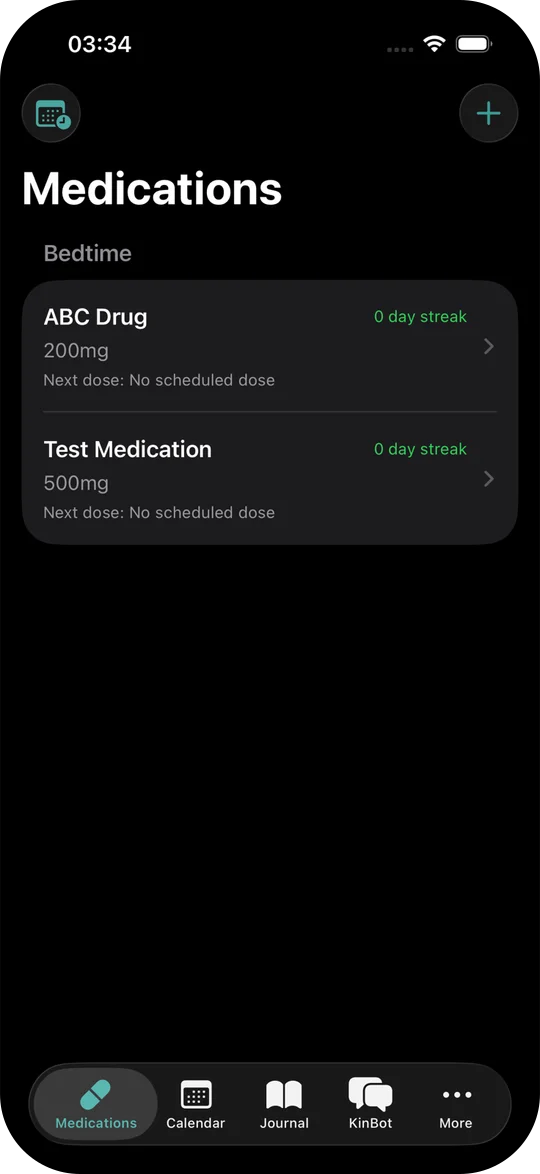
The product spans nine feature surfaces (medications, calendar, care team, journal, KinBot, documents, wellness, emergency, expenses/insurance) and each one had a real reason to be native rather than cross-platform: VisionKit for document scanning, HealthKit for the wellness dashboard, EventKit for calendar sync, SFSpeechRecognizer for app-wide voice input, and WidgetKit for the lock-screen emergency widget. Real-time updates across the care team run on Supabase Realtime so journal entries and tasks propagate without polling. KinBot streams from OpenAI behind a safety-first system prompt with emergency-keyword detection — if the user mentions chest pain or suicidal ideation the assistant breaks out of the conversation and surfaces emergency resources rather than continuing to coach. PHI safety is enforced end to end: notifications use generic strings (full content fetches on tap), sensitive data never enters logs or analytics payloads, and access control runs at both the UI layer (PermissionGate modifier) and the database layer (Supabase RLS policies).
Family caregiving runs on a stack of mismatched tools: a shared calendar for appointments, a group chat for status updates, a separate app for medications, a spreadsheet of insurance numbers, photos of lab results in a camera roll. Every tool works on its own, none of them talk to each other, and the caregiver becomes the integration layer. KinBridge replaces that stack with one native iOS hub.
Why native, not React Native
Each major feature in the app reaches for a system API that a cross-platform shell would either fight or wrap thinly. VisionKit drives document scanning with the same edge-detection users already know from Notes. Apple Vision extracts text from medication labels, lab results and receipts. EventKit syncs appointments directly into the user's existing iOS calendar instead of running a parallel one. HealthKit feeds the caregiver-wellness dashboard with steps, sleep and heart-rate trends. SFSpeechRecognizer powers app-wide voice input. WidgetKit surfaces an emergency contact card on the lock screen. Building this in Swift and SwiftUI made each integration a one-line system call instead of a third-party bridge module.
Real-time care team without polling
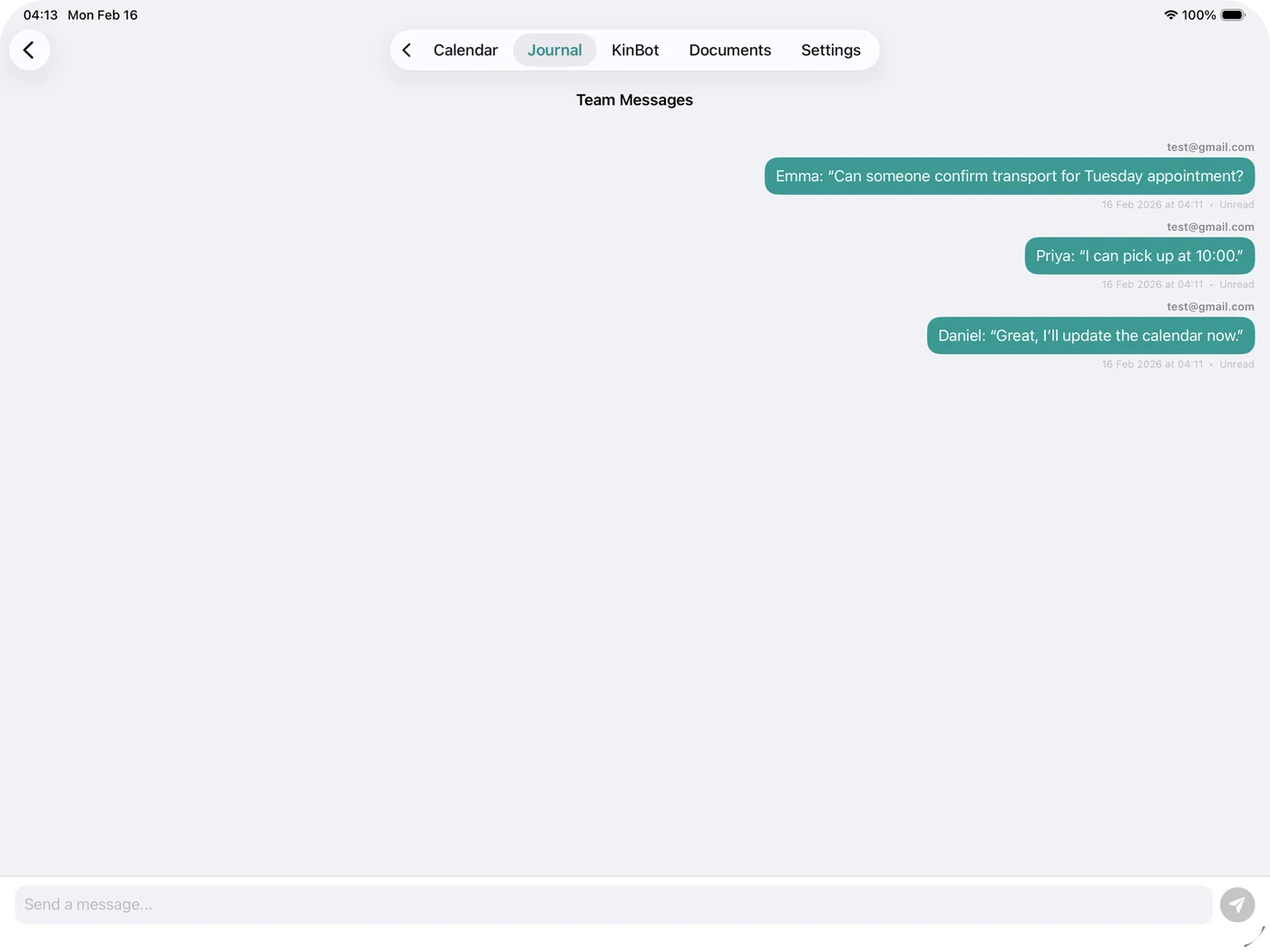
Supabase Realtime drives live updates in the journal, the care-team chat,
and the KinBot conversation history. When a remote family member adds a
note about an appointment, the primary caregiver's phone reflects it within
seconds, without polling and without push-notification choreography. Row-level
security enforces the care-team role model at the database layer, so a
"viewer" can read updates but cannot edit medication schedules; the same
rules render in the UI via a PermissionGate modifier, so the affordances
match what the database will actually permit.
KinBot, an AI assistant designed around safety, not capability
KinBot streams from OpenAI Chat Completions behind a safety-first system prompt. Before the first conversation, a consent gate explains what the assistant can and cannot do. Emergency-keyword detection runs on every inbound message: mentions of chest pain, severe symptoms or suicidal ideation break the assistant out of normal coaching and surface emergency resources instead. Per-user chat history persists in Supabase. Daily usage limits apply by subscription tier (five queries a day on the free tier), both for cost control and to prevent the assistant from becoming a substitute for medical advice it isn't qualified to give.
PHI safety, end to end
KinBridge handles protected health information by default, so PHI safety
isn't a feature, it's an architectural rule. Notifications use generic
text ("Medication reminder", not "Take 5mg of warfarin at 14:00") and
full content fetches when the user opens the app. Sensitive payloads
never enter analytics or crash-reporting events. Care-team access is
enforced at the UI layer with PermissionGate and at the database layer
with Supabase RLS — both have to agree before a sensitive field renders.
The medication reconciliation alert, which compares OCR'd document text
against the active med list, runs entirely on-device for the comparison
step before anything goes to the backend.
What changed
KinBridge replaces a half-dozen single-purpose apps with one calm, native hub built for the actual workflow of family caregiving: track medications properly, coordinate appointments with the team, scan and search documents, log a journal entry, get an AI second opinion that knows when to step aside, and reach an emergency contact from the lock screen. Built natively because the integrations demanded it, and designed around PHI safety because the use case demands that too.
The result
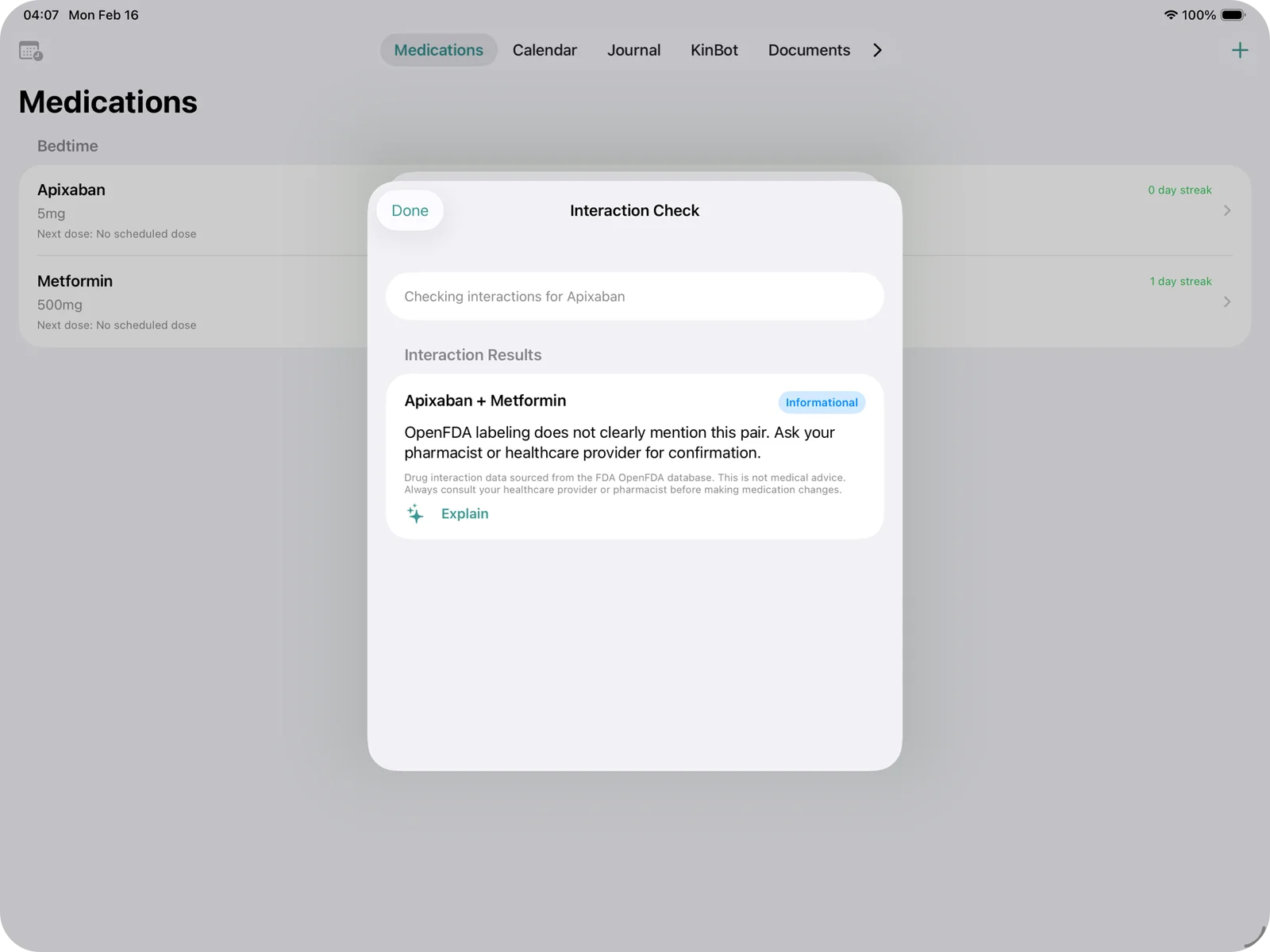
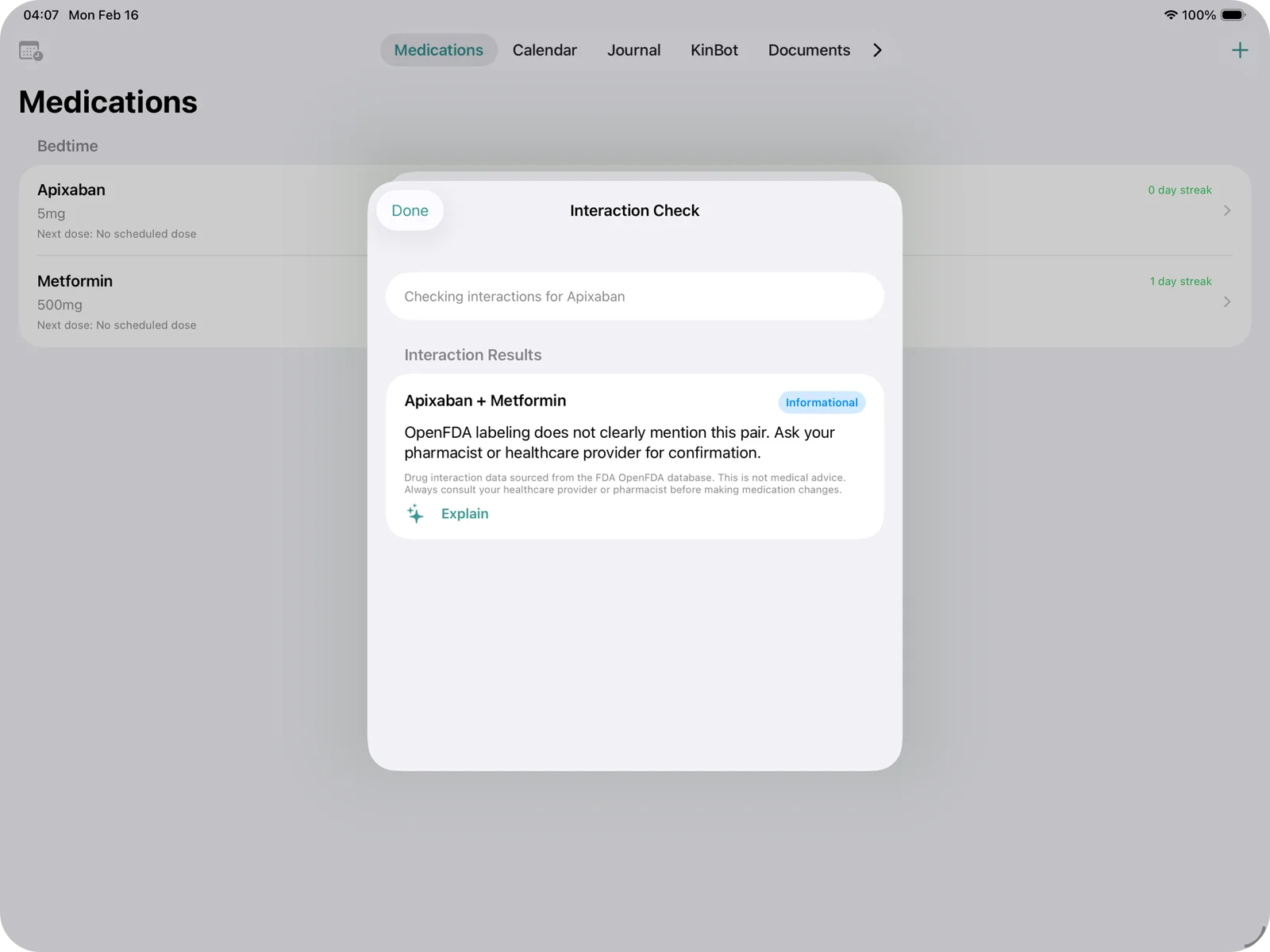
KinBridge ships as a polished native iOS app, available on the App Store, with the full feature surface live: medication tracking with AI drug-interaction checking against OpenFDA, three-mode calendar with EventKit sync and AI-generated visit prep, care-team messaging with real-time sync, document OCR with searchable AI summaries, validated Zarit-12 caregiver burnout assessment, and KinBot. RevenueCat subscription billing, the Apple Watch companion and the WidgetKit emergency widget are in production hookup.
9
Tech stack
- SwiftUI
- Swift 5
- Supabase
- PostgreSQL
- OpenAI
- Apple Vision
- EventKit
- HealthKit
- WidgetKit
- RevenueCat
07, START A PROJECT
Want work like this?
Tell us what you're building. We reply within 4 hours during UK business hours.