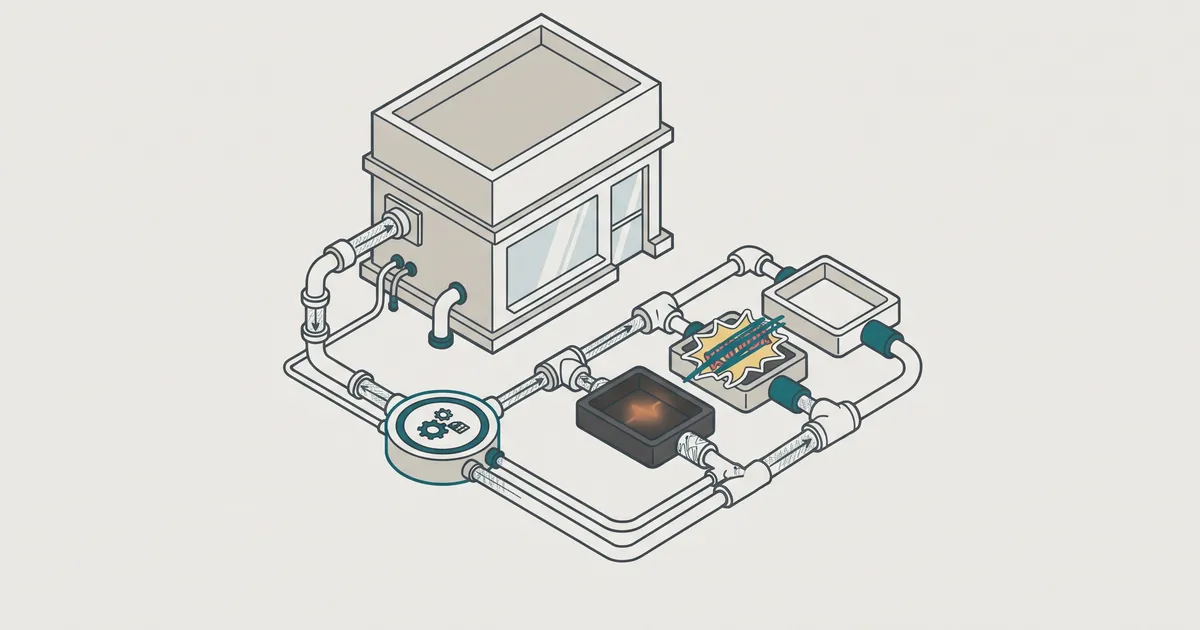
WordPress 7.0 gives your site AI plumbing, not AI features. After upgrading, you get a Connectors screen for provider API keys and a set of developer APIs. You don't get a chatbot, a writing assistant or AI search. Anything you see in the editor or on the front end comes from plugins or custom code built on those APIs. So the useful question isn't "what does 7.0 do for me?" It's "which AI tools are worth adding, and how do I keep control of them?"
None of this is breaking news. WordPress 7.0 "Armstrong" shipped on 20 May 2026, a 7.1 release has followed, and 7.2 is scheduled for 8 December. If your site is maintained, it is probably already on 7.x. What follows covers what is in the box, how to judge the AI plugins being sold off the back of it, how to govern keys and data, where custom work pays off, and how to handle the next upgrade.
WordPress 7.0 AI is plumbing, not a chatbot
SiteGround's summary is the clearest we have seen. WordPress 7.0 adds AI infrastructure (the AI Client, Connectors, and Abilities plus MCP), not a built-in chatbot. Core ships with no AI model and no AI provider. According to eseospace, it sends nothing to external services unless someone configures a connection and writes code that calls it.
If you have a privacy officer or a GDPR register, that last point is the one to note. Upgrading does not quietly start sending your pages to a language model.
What you see after upgrading
Most of your team will see nothing new. An administrator will find a new screen at Settings > Connectors. Kinsta reports three default connectors: OpenAI, Anthropic and Google. One other source lists only two, so check the screen on your own install rather than trusting a blog post (this one included).
Developers get more: a provider-agnostic AI Client, the Abilities API for registering named actions, and new JavaScript packages for working with abilities in the editor. Plugin authors and studios like ours build on these.
What you do not get
Core has no AI writing in the block editor, no chat widget for visitors, no smarter site search, no automatic alt text and no AI-generated product descriptions. When a plugin is marketed as "WordPress 7 AI", read it as "a plugin that may use the new AI plumbing". The AI isn't built into WordPress, and it isn't free to run. You pay the provider for usage through your own key.
The short version for founders
7.0 makes AI tools cheaper to build well and easier to govern. It does not add AI to your site by itself. The value only appears once something calls the AI Client.
The pieces that matter: AI Client, Connectors and Abilities
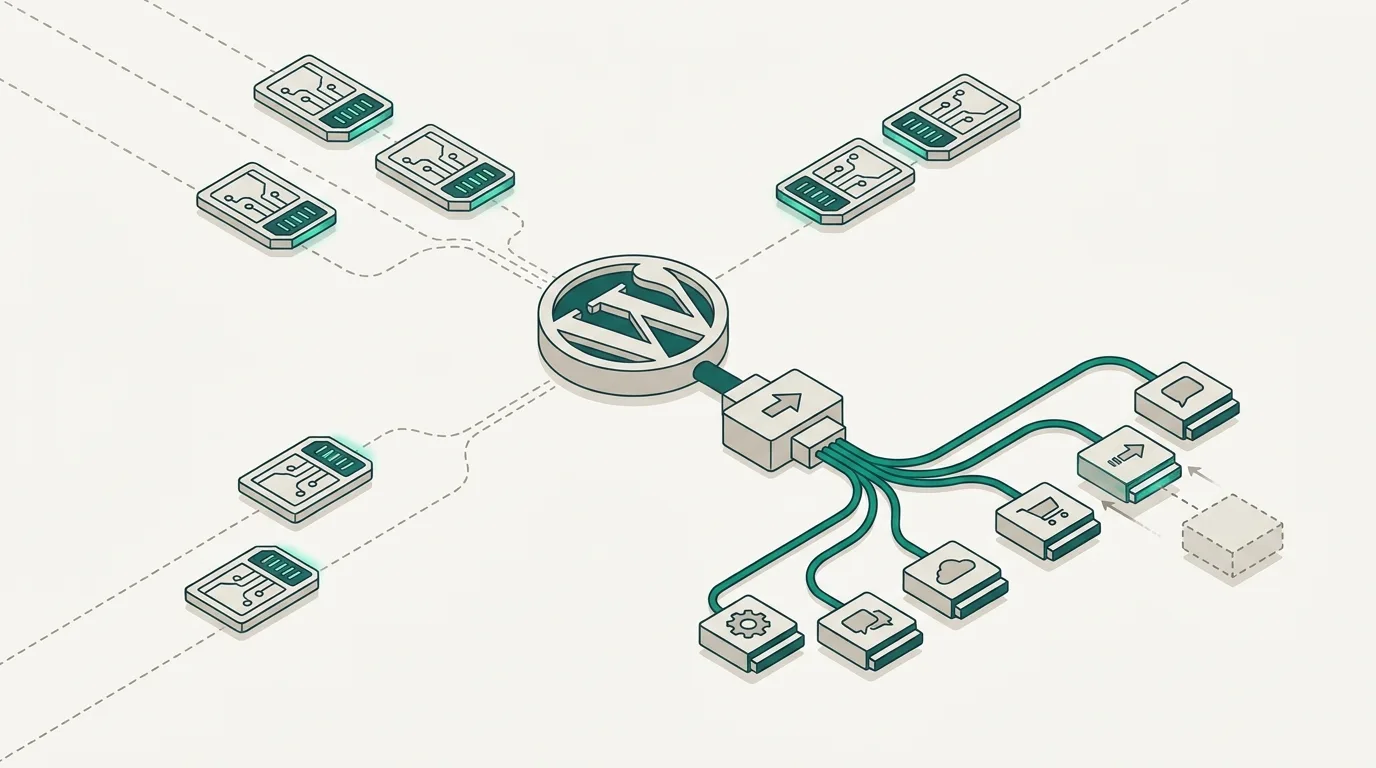
You don't need to write code to follow these, but you do need to know what each one is for. Any vendor you buy from should be able to explain how their product uses each piece.
One place for your API keys
Before 7.0, every AI plugin had its own settings page and its own API key field. A site with an SEO assistant, a chatbot and an image tool might hold three keys, entered by three different people, with no single view of any of them. When someone left the business, nobody knew which keys to revoke.
Connectors fix that. In Kinsta's words, you enter your keys once on the Connectors screen and all compatible plugins use that connection through the AI Client. One place to audit, rotate and revoke. For most business sites this is the most useful AI change in 7.0, and it is a governance win rather than a feature.
Provider choice without rewriting plugins
The AI Client is a PHP API that doesn't care which provider sits behind it. Code calls wp_ai_client_prompt() and the configured connector does the rest. If a plugin is built this way, you can move from OpenAI to Anthropic or Google on the Connectors screen without the author shipping new code.
Model quality, terms and data handling all shift over time, so being able to move without a rebuild gives you negotiating leverage and a safety net if a provider's policies stop suiting you. One tutorial advises developers to build against the wordpress/wp-ai-client package rather than core internals. We do the same, which leaves our client plugins less exposed to internal changes between releases.
Abilities and the MCP Adapter
The Abilities API arrived earlier, in WordPress 6.9 (December 2025). It is a registry of named actions a site can perform, such as "create a draft post" or "update a stock note", each with a description of its inputs. 7.0 adds two JavaScript packages, @wordpress/abilities for state management and @wordpress/core-abilities for integration through REST, so the editor can work with the same registry.
The MCP Adapter bridges that registry to the Model Context Protocol. Any ability registered through the Abilities API becomes discoverable and callable as an MCP tool by a compatible MCP client. In plain terms, an AI assistant outside your site can see a list of things your site can do and ask to do them.
Sources disagree on whether the adapter ships inside core or as a separate package, so check the developer notes for your version before planning around it. Either way, this is the piece behind most "AI agents can run your site" claims. We cover what agents genuinely handle well in AI agents for business: what actually works. The short answer is narrower than the marketing suggests.
Questions to ask before you buy an AI plugin
The 7.0 release handed plugin vendors a fresh reason to market AI. Some products are good. Many are an existing feature with a new label. Two questions sort them quickly.
Does it use the AI Client or its own keys?
Ask directly whether the plugin calls the WordPress AI Client and reads from Connectors, or still wants its own API key in its own settings. A plugin with its own key field puts you back where you were before 7.0: scattered credentials and locked-in provider choice.
Don't accept "we will migrate". One source predicts that existing plugin keys will move to the Connectors API, but that is a prediction, not a commitment from any vendor. Ask which release made the change, or treat it as not done.
Where does your content go?
Once a plugin sends a prompt, your content leaves your server. Ask the vendor:
- Which content is sent: the current post, the whole site, form submissions, customer records?
- Does it go straight to the provider on your key, or through the vendor's own servers first?
- Is anything stored or logged on the vendor's side, and for how long?
- What happens when you deactivate the plugin? Does it leave scheduled tasks, stored data or registered abilities behind?
If the vendor can't answer all four clearly, you have your answer. We hold our own builds to the same test, as we explain in our guide to adding AI features without the hype.
Governing keys, data and permissions
Abilities describe what can happen. They don't decide who is allowed to make it happen, and they don't record what did. That part is still your job.
Who holds the keys and how you rotate them
Decide who owns the provider accounts. In our view it should be the business, not a freelancer or an agency, on a shared company login with two-factor authentication. Whoever holds the account should also have the authority to revoke a key.
A sensible routine:
- Create one key per site and per environment, so staging and live never share a key.
- Set usage limits and alerts in the provider's dashboard, not just on the site.
- Rotate keys on a schedule and whenever someone with access leaves.
- Keep a short register listing each key, the site that uses it, the provider and the data that flows through it.
Connectors make step four realistic, because each site now has one place where the answer lives.
Logging abilities and keeping a human approving writes
If you expose abilities to an AI tool, log every call. One vendor-style source suggests recording the timestamp, the caller, the ability, redacted inputs and the status for each invocation. That isn't an official standard, but it is the minimum we would want when something goes wrong and a client asks what changed.
2026-11-04T10:42:13Z caller=mcp:editorial-assistant ability=create-draftinputs={title:"Winter range launch", body:[redacted]} status=success post_id=4821Then split abilities into reads and writes. Let AI tools read freely within sensible limits. For anything that writes, publishes, deletes or touches orders, have the AI create a draft or a pending change and let a person approve it. That one step prevents most bad outcomes.
An ability tells a machine what your site can do. It does not tell it what it should do. That judgement stays with a person.
Get plain-English guides like this in your inbox.
One short email a month. WordPress, Shopify, SEO, no fluff. Unsubscribe in one click.
We never share your email.
Where custom abilities earn their place
Most business sites don't need custom abilities yet. They pay off when your team repeats the same structured task inside WordPress and the steps are well defined.
Good examples from the work we see: creating a draft post from a briefing template, adding an internal stock or availability note to a product, tagging incoming enquiries by service line, or pulling a weekly list of pages with missing meta descriptions. Each is small, has clear inputs and can be checked by a person before anything goes live.
Bad candidates include anything open-ended ("improve the homepage"), anything that changes prices or orders without review, and anything an existing plugin already does well.
When we build abilities for clients as part of our WordPress build and development work, we keep the set small and start with read-only actions. Logging goes in from day one, and writes create drafts. We deliver weekly, so the client sees one ability working and approved before the next begins. The client owns the code, so they can switch providers or studios without losing the work.
Upgrade timeline: 7.0 now, 7.2 on 8 December
As of 5 November 2026, 7.2 Beta 1 landed on 20 October. Beta 3 shipped early, on 28 October, alongside the 7.1.4 security release. Release Candidate 1 is scheduled for 17 November, when the Field Guide arrives and strings freeze. The final release is scheduled for 8 December at 15:00 UTC. One official post mentions 9 December, so allow a day of slip.
What lands in 7.2 isn't settled. Previews mention a new default theme called Ipsum, suggestion mode in Notes, form styling without CSS and safer credentials handling. The roadmap itself says being on the list doesn't guarantee a feature makes the final release. Plan your testing around the RC, not a preview article.
A staging-first routine
This is the routine we run for client sites, and it suits most businesses:
- Check your PHP version now in Tools > Site Health. Sources disagree on the exact minimum for 7.x, so don't aim for the minimum. Run a modern, supported PHP version your host offers.
- Clone the live site to staging and install the Beta Tester plugin there to run the RC.
- Update page builders and add-ons first. They are the most common source of breakage after a major release. If your site leans heavily on one, read our comparison of page builders versus custom themes before the next rebuild.
- Test the paths that make money: forms, checkout, bookings, logins and any AI plugin calls.
- Wait a week or two after release before updating live, unless a security fix says otherwise.
One agency described the beta period as roughly seven weeks to catch problems before thousands of client sites auto-update. That window is shrinking, so start now.
What the 7.0 delay teaches about release dates
7.0 was due on 9 April 2026. On 31 March the core team announced it would not ship on that date, mainly because real-time collaboration wasn't stable enough. Matt Mullenweg said he wanted the release to "target extreme stability". A revised schedule followed on 22 April, and 7.0 shipped on 20 May.
Sources still disagree on whether real-time collaboration made it into 7.0 or was pushed to a later version, which tells you something on its own.
WordPress release dates are targets, not promises, and the feature list can change late. Don't tie a campaign launch, a site relaunch or a client commitment to a release date or a headline feature. Tie it to your own tested build on staging.
If you want a second pair of eyes on how ready your site is for 7.2, or on which AI plugins are worth keeping, you can get a free website audit and we will tell you plainly what to fix first.