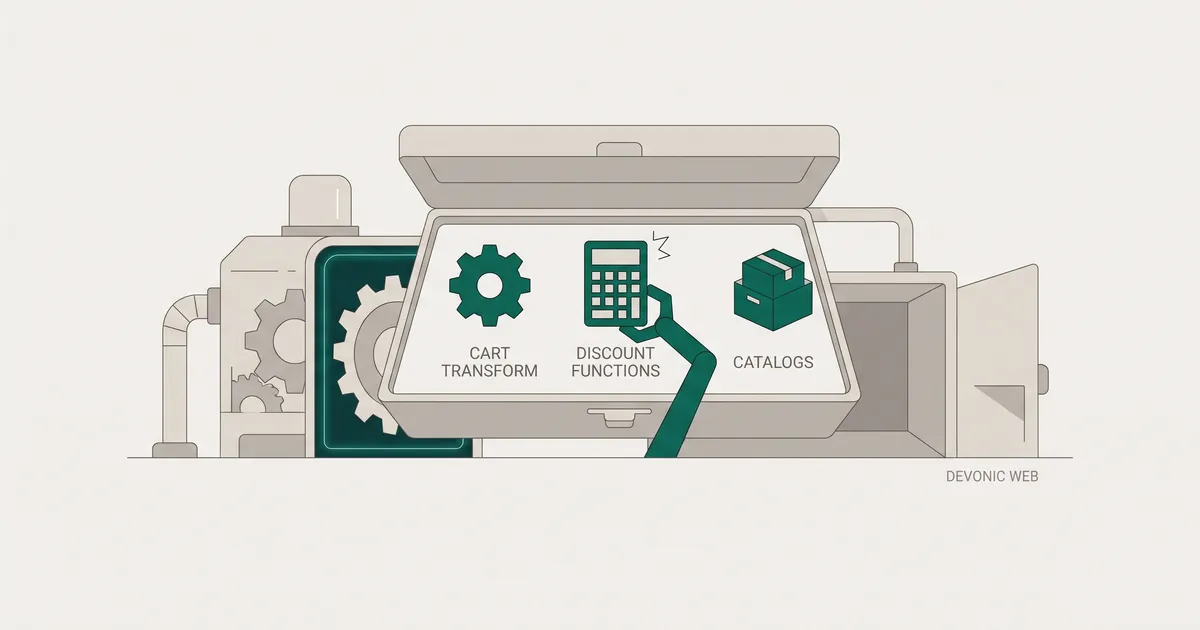
What changed in April 2026 (and why most guides are wrong)
Native B2B on Shopify is no longer Plus-only. Since April 2026, any plan tier can build company profiles, run up to three custom catalogs with tailored pricing, apply quantity rules and volume discounts, accept vaulted cards and offer net payment terms. That is a meaningful shift. It makes most of the older content on this topic wrong, or at best half-right.
If you have read a guide assuming wholesale pricing requires Plus, or one that recommends bolting on a variant-per-tier hack because "Shopify does not do B2B natively", it was probably written before April 2026 and nobody has updated it. The trade-offs are now genuinely different. Which tool you reach for depends on which pricing rules you actually need to encode, not on your plan tier.
This is the guide we wish existed when a client asks us to build tiered trade pricing. It separates the four moving parts, states the hard limits, and gives you a clear call on which approach fits which situation.
The three native tools and what each one actually does
Shopify's native B2B kit is not one feature. It is three that work together. Getting these straight before you start building saves a lot of wasted work.
Company profiles and price lists
Company profiles are the structural backbone. A profile represents a business account, holds one or more locations, and gives multiple buyers their own logins and roles. A regional grocery chain might sit under one company profile with a procurement lead, a warehouse manager and a finance officer each logging in separately.
Price lists sit on top. You attach a price list to a company location (or, on Plus, directly to multiple companies), and that location sees your catalogue at negotiated rates. In practice, you run a "Gold" list for top-tier accounts and a "Silver" list for everyone else. Buyers only ever see the pricing that applies to them.
Volume pricing and quantity rules
Volume pricing gives you real quantity breaks per product. Configure "1 to 9 units at one rate, 10 to 49 at a lower rate, 50 plus at the lowest rate" and Shopify applies the correct unit price in the cart in real time as the buyer changes quantity. No coupon codes, no manual approval.
Quantity rules sit alongside this and enforce order shape: minimum quantities, maximum quantities, or increment multiples so a product can only be bought in case packs of 12. If trade customers should not be placing single-unit orders, this is where you stop them.
The Trade theme
Shopify ships a free theme called Trade, built specifically for wholesale storefronts. It comes pre-configured with quick order forms, customer account request flows and a layout built for large catalogues and bulk ordering. If you are standing up a dedicated B2B storefront, or a wholesale section alongside your DTC store, it is a sensible starting point rather than bending a DTC-first theme into something it was never designed to be.
Start here before you write code
For most trade pricing use cases, the combination of company profiles, price lists with volume pricing, and quantity rules is enough. Only reach for Functions when you have a specific rule that native catalogs genuinely cannot express.
Cart Transform Function vs. Discount Function: a clear separation
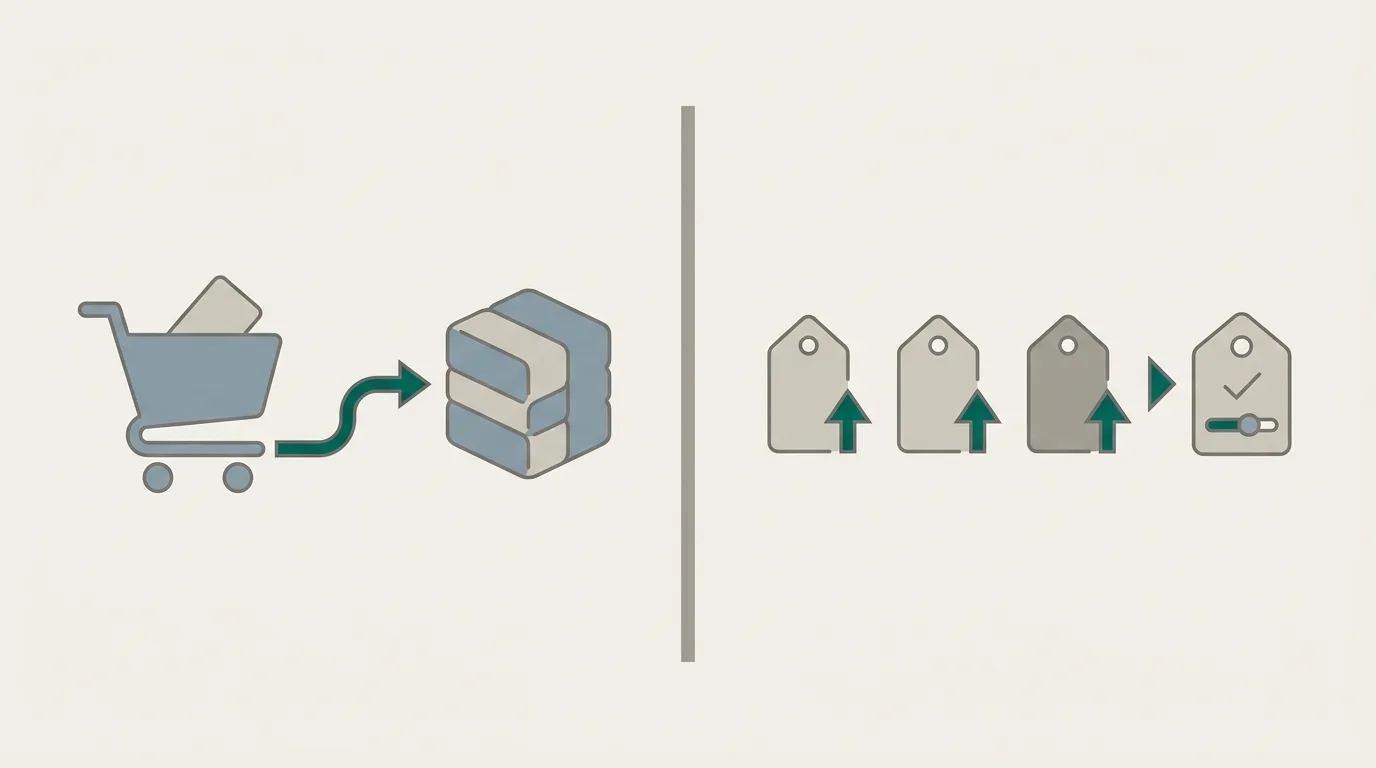
This is the single most confused area in every guide I have read. Third-party content routinely treats Cart Transform and Discount Functions as interchangeable ways to do the same job. They are not.
The Discount Function API changes prices. The Cart Transform Function API changes the structure and presentation of cart line items: merging items into a bundle, expanding a case pack into its component units, relabelling titles, updating images. Cart Transform is one Function type in Shopify's serverless extensibility layer, running as a WebAssembly module on Shopify's edge on every cart mutation.
They can work together, but they are separate targets and you must test them in combination. If your Cart Transform merges three items into a single bundle line, your Discount Function has to recognise the resulting line item correctly. If it does not, the discount silently stops applying.
When to use the Discount Function API
Reach for the Discount Function API when the rule you need is fundamentally about price. Tiered pricing that depends on the customer's company metafields, contract rates pulled from an ERP, multi-tier stacking, discounts that combine product-level and order-level logic: all of that belongs here.
A few real constraints to design around:
- Functions must execute within roughly 200 ms. Slow external API calls will get you bypassed, so cache aggressively or push configuration into metafields you can read on the input.
- For carts up to 200 line items, Shopify documents an 11 million instruction limit, a 128 kB input and a 20 kB output. Input queries have a 3,000-byte cap excluding comments. Do not over-fetch product data just because GraphQL makes it easy.
- Discount Functions with network access are not supported on draft orders. This is a real gap for B2B teams that rely on draft orders for quote-to-order workflows, and worth flagging early in scoping.
- Prefer Rust over JavaScript when the logic is complex or the store is high-volume. The instruction budget is real.
The upside: you can run multiple Discount Functions on the same store, so you can compose logic across several apps or in-house functions.
When Cart Transform adds value
Cart Transform earns its place when you need to change what the buyer sees in the cart, not just what they pay. Common B2B use cases include showing SKU codes in cart line titles for trade buyers who order by SKU, expanding a case pack SKU into its individual units for pick and pack, or bundling a starter kit into a single presentation line.
The price-update capability inside Cart Transform is Plus-only. And there is a harder limit: each store can run only one active Cart Transform function. Install two apps that both want to own it and they will conflict. Shopify has not given you a way to compose them. In practice, Cart Transform is either yours to own or one app's, but not both.
Only development stores or stores on a Shopify Plus plan can use apps with update operations in Cart Transform.
The hard limits you need to know before you build
None of these are showstoppers if you know about them. All of them will cost you a week if you find out mid-build.
- One Cart Transform per store. Plan the ownership of this function before you install any app that uses it.
- 200 ms execution window for Functions. Bake configuration into metafields, avoid external calls, and profile early.
- Non-Plus stores allow one automatic discount at a time. Multi-tier stacking through the standard automatic discount route is not viable without Plus Scripts or a Function.
- Draft orders and network-access Discount Functions do not mix. If your quote-to-order flow uses draft orders, design your pricing rules to work without a network call, or accept that draft-order pricing will diverge from checkout.
- App-based tiered pricing on non-Plus often will not show on the product page. Discount logic that runs at cart level only will not update the product page price, which is a real UX problem for trade buyers who expect to see their rate before they add anything to the cart.
- Theme conflicts are common with custom AJAX or drawer carts. Popular pricing apps ship compatibility fixes, but this is where custom themes bite.
If you are weighing platforms at the same time, our comparison of Shopify Plus vs WooCommerce for high-volume stores covers where each one lands for wholesale-heavy operations.
Get plain-English guides like this in your inbox.
One short email a month. WordPress, Shopify, SEO, no fluff. Unsubscribe in one click.
We never share your email.
Non-Plus workarounds and their real trade-offs
If you cannot express your pricing in a native catalog and you are not on Plus, your options are narrower but not empty.
Apps such as Volume Discounts by Dealeasy or Hulk Volume Discount Bundles handle quantity breaks using draft orders or automatic discount combinations. They work. But the one-automatic-discount-at-a-time rule means multi-tier logic gets awkward fast, and the discount usually only applies at cart level. Trade buyers see the base price on the product page and a lower total in the cart, which is not the experience most wholesale customers expect.
Variant-per-tier is another common approach: create a variant for "single unit", "case of 12", "pallet of 144" and price each accordingly. It works, but it inflates your variant count, complicates inventory, and does not scale past two or three tiers without becoming genuinely painful to manage.
Our honest take: if trade pricing is a real channel for your business, the native B2B catalog on any plan tier is now good enough for the majority of use cases. The moment you need multi-tier stacking, company-specific contract rates or ERP integration, you are looking at either the Discount Function API on Plus or a serious app investment. This is the kind of trade-off we work through with clients on Shopify and e-commerce development engagements before writing any code.
Which approach fits your situation
Based on how we scope these builds:
- You sell to a handful of wholesale accounts with simple quantity breaks. Native B2B catalog with volume pricing and quantity rules. No development needed. Any plan tier.
- You have more than three distinct pricing structures across your customer base. Plus, so you can run unlimited catalogs and assign them directly to companies.
- You need contract pricing pulled from an ERP, or rules that depend on company metafields. Discount Function API. Budget for a proper Functions build in Rust and design around the 200 ms window.
- You need to change how items appear in the cart for trade buyers, not just their price. Cart Transform Function on Plus, and confirm no other app is trying to own it before you start.
- You are running B2B and DTC from the same store and need them to coexist cleanly. Native B2B with the Trade theme for the wholesale channel, standard theme for DTC, shared inventory. This is now genuinely viable and worth considering before you spin up a separate storefront.
- You are considering a headless build for your DTC front end and want B2B on the same backend. Read our take on headless Shopify with Hydrogen: when it pays off before committing, because the architectural cost is real.
- You are migrating from WooCommerce and worried about SEO on the switch. Our WooCommerce to Shopify migration: an SEO-safe playbook covers the redirect and content plan.
The one question worth answering first
Before you pick a tool, write down every pricing rule your business actually enforces, in plain English. Nine times out of ten, the list is shorter and simpler than the team assumes, and native catalogs handle it. The other one time, you will know exactly which Function you need to build and why.
If you want a second pair of eyes on the architecture before you commit, see how we've built for e-commerce clients and get in touch. We give a fixed scope up front and, on B2B pricing work specifically, we always separate the "native catalog" phase from the "custom Functions" phase so you never pay for code you did not need.