
You have 18 days until Black Friday on 27 November. That is enough to make your Shopify store safe, if you do things in the right order. Spend days 1 to 12 auditing, testing and fixing, freeze code on 20 November, then trade with a rollback plan you agreed in advance. This is the first peak with Shopify Scripts and checkout.liquid fully gone, so most of the risk sits in the checkout logic you migrated this year, not in Shopify's servers.
This is the plan we run for clients, day by day, with the reasoning behind each step.
What is different about this Black Friday on Shopify
Most Black Friday checklists were written as 6 to 12 week plans. They are too late to help now, and many still describe the platform changes as upcoming. They have already happened.
Scripts and checkout.liquid are gone, so there is no fallback
The timeline tells you what might be quietly broken:
- checkout.liquid stopped working on the Information, Shipping and Payment steps for Plus stores on 13 August 2024. The Plus deadline for the Thank you and Order status pages was 28 August 2025, and auto-upgrades began in January 2026.
- Non-Plus stores had until 26 August 2026 to upgrade the Thank you and Order status pages. Sources differ on what happened to stores that missed it. One says Shopify auto-upgrades them and strips the customisations, another says the Order status script boxes simply stopped executing. Either way, anything you pasted into those boxes may no longer run.
- Shopify Scripts could not be edited or published from 15 April 2026 and stopped running on 30 June 2026. Tiered discounts, Plus-only discounts and custom shipping or payment rules that lived in Scripts now have to be rebuilt in Shopify Functions, which run server-side in a sandbox using JavaScript or Rust.
- Checkout UI extensions became non-blocking by default on 26 January 2026.
Last year, if a migrated rule misbehaved, some stores could still fall back on the old Script. That safety net has gone. Every rule you rebuilt is running its first peak.
Where the sources disagree on dates
Published pages are inconsistent. Some give 30 June 2026 as the checkout.liquid deadline, when that was the Scripts deadline. Others cite a 13 August 2026 hard block for Plus, which conflicts with the 2024 date most sources agree on. Shopify's developer documentation on checkout.liquid is the primary source. Read it rather than trusting any blog, this one included, for the disputed dates.
The practical point does not depend on the exact dates. Assume nothing legacy is still running, and prove what is.
Days 1 to 3: audit apps, scripts and checkout
Dates: 9 to 11 November. The goal is a complete list of everything that touches your storefront and checkout, plus a clear view of what happens when a customer buys.
Inventory every app, script and former Script rule
Build one spreadsheet with a row per item:
- Every installed app, including the ones you think are dormant.
- Every theme snippet or third-party script loading on product, cart and checkout paths (reviews, chat, analytics, personalisation, A/B testing).
- Every rule that used to be a Shopify Script, with a note of what replaced it (a Function, an app, or nothing).
- Every checkout extension, with the vendor's answer to one question: is it on API version 2026-01 or later?
Shopify's infrastructure copes with enormous load. Its own BFCM 2025 figures cite 2.2 trillion edge requests and 90 petabytes served. Your risk is not Shopify falling over. It is a third-party script, a theme edit or an app extension slowing or breaking your own pages. Hence the inventory first.
While you are in there, check script weight on the product and checkout paths. Don't chase a particular Lighthouse score. Lab scores are a poor target, and real-user field data tells you far more. Our guide to Core Web Vitals for Shopify stores covers how to read field data and which scripts usually cost the most.
Open a real checkout, Thank you and Order status page
Place a real order. Then look at every step as a customer would, including the Thank you and Order status pages that many teams never revisit.
Look for:
- Missing trust badges, upsells, delivery messages or custom fields.
- A yellow warning banner in the admin, or a visible checkout.liquid editor. Either means legacy customisations are still in place.
- Tracking that used to sit in the Order status script box and now does nothing.
Screenshot each page. Those screenshots are your baseline for the rest of the fortnight.
Days 4 to 8: test with a matrix and evidence
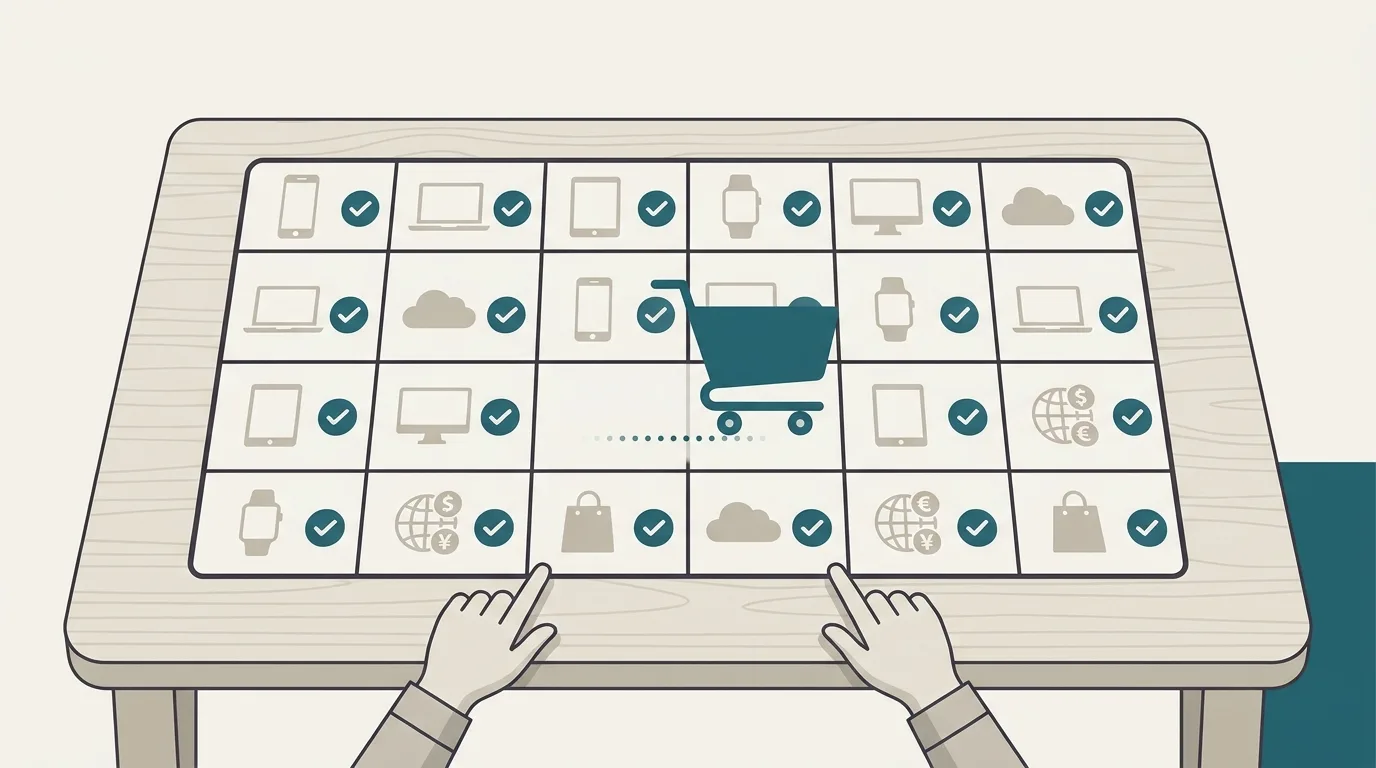
Dates: 12 to 16 November. Most of your effort belongs here.
Build the matrix by market, device and customer state
"We tested checkout" is not evidence. A test matrix is. Each row combines a market, a device and a customer state, and carries an expected result, a named owner and proof, either a screenshot or a real order number.
| Market | Device | Customer state | Expected result | Owner | Evidence |
|---|---|---|---|---|---|
| UK | iPhone, Safari | Guest, empty account | 20% off applies, free delivery over threshold in GBP | Sam | Order #1042 |
| US | Android, Chrome | Logged in, returning | Tiered discount at 3 items, Shop Pay offered | Priya | Screenshot |
| EU (DE) | Desktop, Firefox | Guest, with gift card | Gift card and sale price combine correctly in EUR | Tom | Order #1047 |
Weight the matrix towards mobile. NRF counted 46.9m mobile shoppers on Cyber Monday 2025, up from 40.4m. Include express payments in every market you sell to. Shop Pay was used on 32% of Shopify orders over BFCM 2025, so treat it, Apple Pay and any buy now, pay later option as core paths, not extras.
Cross-border orders made up 16% of Shopify's BFCM 2025 total. If you sell internationally, give each market its own rows.
Test discount stacking, timezones and currency thresholds
Discount logic is where we see the most expensive failures. A stacking bug does not stop sales. It quietly gives margin away.
For every promotion, test:
- Stacking. Which discounts combine with which: sale price plus code, code plus automatic discount, gift cards, loyalty rewards.
- Start and end times per market. Write each with an explicit timezone. "Midnight Friday" is a different moment in London, New York and Sydney.
- Thresholds in local currency. A free delivery threshold set in GBP may convert to an awkward figure in EUR or USD. Decide whether you can live with that.
- Compare-at prices displaying correctly on collection and product pages.
- Stock-out behaviour on discounted lines.
Pay particular attention to any rule that used to be a Script. If your old Script handled tiered or trade pricing, our write-up on Cart Transform Functions and tiered discounts explains how that logic works now and where it tends to trip up.
Check that purchase events still fire
After the Thank you and Order status upgrades, tracking is the thing most likely to have broken unnoticed. Run a test order per market and confirm the purchase event reaches each analytics and ad platform with the correct value and currency. If you still rely on old script tags, you can move your tracking pixels to Web Pixels, but only if you can finish and verify it before the freeze.
Days 9 to 12: fix, rehearse and agree the rollback
Dates: 17 to 20 November. Fix what the matrix found, then re-run the affected rows.
Remove apps early, then re-test checkout
Removing an app is a change, not a tidy-up. Apps leave snippets in themes, extensions in checkout and sometimes discounts or metafields behind. Remove anything unnecessary on day 9, not the Wednesday before Black Friday, then re-run every checkout row in the matrix.
The same goes for new apps. Install nothing in the final fortnight unless it fixes a known break. If a vendor promises a quick win, put it on the January list.
If the fix list is longer than your team can clear in four days, bring in help rather than cut corners. Our Shopify and e-commerce services team works on fixed quotes with weekly delivery, and short readiness sprints like this are a common request.
Decide the rollback and emergency exceptions in advance
Write down, before you need it:
- What a rollback looks like for each risky change (a theme version to republish, a discount to disable, an app to switch off).
- Who can approve it, and who can carry it out.
- A short list of emergency exceptions to the freeze, such as a checkout step failing, a payment method not appearing or a discount applying in the wrong market.
Duplicate your theme before the freeze
Keep a dated, unpublished copy of the live theme as it stands on 20 November. If something goes wrong during trading, republishing a known-good theme is faster than debugging under pressure.
Rehearse one rollback for real on a development theme. Teams that have done it once move far faster when it counts.
Get plain-English guides like this in your inbox.
One short email a month. WordPress, Shopify, SEO, no fluff. Unsubscribe in one click.
We never share your email.
Freeze on 20 November and run a 15-minute pre-launch routine
From the end of 20 November, nothing non-critical changes: no theme edits, no new apps, no extension updates. A week of freeze feels long. It is the right length, because you see the side effects of late fixes before customers do.
Leave anything scheduled for later alone too. The branding editor inside the Checkout Blocks app is removed on 31 December 2026. That is real work, but it belongs in January.
Each morning of the freeze, and again before each sale starts, run this routine:
- Place one real order on mobile in your main market and confirm the purchase event fires.
- Check that every scheduled discount shows the correct start time and timezone.
- Spot-check price, stock and delivery information on your top ten products.
- Confirm Shop Pay, Apple Pay and any buy now, pay later option appear at checkout.
- Check the admin for warning banners and failed app notifications.
- Confirm the on-call owner and their backup are reachable.
One secondary source reports that Shopify now syndicates catalogues to AI channels, with some agentic features enabled by default. We have not confirmed this, so check your own admin settings. Either way, step 3 matters more than it used to: wrong price or stock data can travel further than your own storefront.
Trading days: watch the US lunch peak and plan for admin lockout
Monitor around 5pm UK on Black Friday
Shopify reported the 2025 peak minute at 12:01pm US Eastern on Black Friday. That is just after 5pm in the UK. If you sell to US customers, your busiest minutes may land in the mid-afternoon to early evening UK time, not at midnight.
Have your owner watching orders, checkout conversion and payment errors from around 3pm UK onwards. Keep the no-changes rule during trading. If you run Meta ads, decide before the freeze whether to turn off Meta product browsing in your ads, rather than toggling settings mid-peak.
Pre-schedule sales and name an owner with the right permissions
According to ChannelX, a platform glitch locked Shopify merchants out of their dashboards for several hours on Cyber Monday 2025, while storefronts and checkout kept trading. So plan for a day when you cannot reach the admin.
Schedule every sale start and end in advance, so nothing depends on someone clicking a button at the right moment.
Name one owner and one backup with the permissions to act, and make sure both know the rollback plan without looking it up. If the admin is unavailable, your scheduled discounts still run and your store keeps selling.
If you would like a second pair of eyes before 20 November, get a free website audit and we will review your checkout, apps and tracking against this checklist. We reply within 4 hours during UK business hours.