Google's November 2026 core update started rolling out on 10 November and may take up to two weeks. The latest finish inside Google's stated window is Tuesday 24 November, three days before Black Friday. For most stores the move is simple: hold your code freeze, record a clean baseline by page type and leave well-performing content alone. Read the results from early December, not mid-rollout and not from inside Black Friday week.
Below is what is confirmed, what isn't, and a plan for the next two weeks.
What Google has confirmed about the November 2026 core update, and what it hasn't
The record is thin. Google's Search Status Dashboard logged the start as 10 November 2026 at 10:06 Pacific. Search Engine Land, Search Engine Journal and Relevant Audience report the same time. The dashboard says the update applies globally and to all languages, and that the rollout "may take up to 2 weeks to complete".
Google's own description is brief. On LinkedIn, Search Central called it:
A regular update designed to better surface relevant, satisfying content for searchers from all types of sites.
According to Search Engine Journal, there is no Search Central blog post for this one. Google has named no targets. Anyone telling you which verticals are winning or losing this week is guessing, because there is no reliable data yet.
Some context helps. This is the third core update of 2026 and the eighth ranking update on the dashboard this year. Search Engine Land notes it follows a long gap since the previous core update. Rollouts also tend to overrun the headline window: Barry Schwartz found the median across 23 previous core updates was about two weeks, and one secondary source reports the December 2025 core update ran for 18 days. So "up to two weeks" is a guide, not a promise. Don't build December around a firm 24 November finish. Watch the dashboard entry, which is where completion will be confirmed.
10 November is not a clean line
Ranking shifts around 9 November had people speculating about an update before Google announced anything. Google also says it runs smaller core updates that it doesn't announce. Treat the days either side of the start date with suspicion when you build your baseline.
Why the update and your Black Friday freeze collide
The rollout and the run-up to peak trading cover the same fortnight. Black Friday is 27 November and Cyber Monday is 30 November. Most ecommerce teams freeze code in exactly the period when rankings may be moving, and that sets a trap. Rankings dip, someone wants to rewrite the titles, and a "small" template change goes out two days before the biggest trading week of the year.
Avoid that. A core update rewards or demotes pages based on how Google assesses them over time. A frantic mid-rollout edit is unlikely to change that assessment before Black Friday. It is very likely to make your data unreadable and your checkout less predictable.
Freeze dates vary, the rationale does not
The sources disagree on when to freeze, and none is authoritative. Scandiweb suggests a feature freeze on 2 November with a last deploy on 13 November. Evaluat recommends a full freeze on 13 November, covering tags, configuration, pricing rules and templates, with a thaw from 1 December. Dyode says 16 November. Brillmark says around 17 November, with content-only changes after that. Craftshift puts the Shopify freeze at 20 November, allowing critical fixes only with two people signing off.
The reasoning is the same everywhere. As Kitrum puts it, a load test only measures the code you tested, so the build you tested and the build that is live must match. Your freeze date matters less than sticking to it. For the technical side, our Black Friday readiness for Shopify stores: a two-week technical checklist covers it in detail.
Freeze, measure, leave alone: a three-bucket plan for the next two weeks
We sort every proposed change into one of three buckets. It keeps the conversation short when someone panics at a ranking chart.
Freeze
Freeze anything that changes how Google reads the site or how checkout behaves:
- Templates and theme files
- Structured data and schema
- Title tags and meta descriptions at template level
- Internal linking and navigation
- Redirects and canonical rules
- Plugin, app and theme updates
Changes here muddy attribution, and they put the stability of the build you load tested at risk. Prices, banners and stock levels will still change during a sale, and that is fine. Agree who edits them and keep those edits inside workflows you have already tested.
Measure
Measure everything you will need in December. That means a baseline by page type for 3 to 9 November, taken from both Search Console and GA4. It also means auditing your GA4 ecommerce events against backend revenue, as Brillmark suggests, so your December numbers can be trusted. The next section covers how.
Leave alone
Leave alone content that is performing, and anything that amounts to "fixing" a dip before the rollout ends. Google's own guidance is to wait until the update is complete before assessing it. Don't start new A/B tests either. Brillmark notes that tests started in Black Friday week rarely reach valid results.
Set your baseline by page type before you read anything
Site-wide traffic is a poor signal during a core update. One page type can lose ground while another gains, and the totals look flat. Build the baseline before the data gets noisy.
Segment in Search Console and GA4
In Search Console, filter to the Web search type first. Then group by page type: category, product, collection, blog or guide, and brand pages. If your URL structure is consistent, a page filter does most of the work. Break each group down by device, country and query.
Keep branded and non-branded queries apart. Branded demand rises during sales because of your email and paid activity, and that rise can hide a non-branded loss. A regex query filter in Search Console does the job:
Query filter > Custom (regex) > Doesn't match:yourbrand|your brand|yourbrand\.comIf branded clicks fall while rankings hold steady, that is usually a separate issue. We cover it in branded search clicks down but rankings steady.
Mirror the same page-type groups in GA4, so you can tie search movement to revenue and not just clicks.
Weight by revenue, not site-wide averages
Page types are not equally valuable. A small decline in the product category that drives most of your revenue matters more than a big swing on old blog posts. Semola Digital warns that site-wide figures can mask suppressed commercial pages. Rank each page type by its share of revenue, then read the update in that order. Our SEO services team runs this analysis for ecommerce clients because it shows where to spend effort in December, not where the biggest number moved.
Get plain-English guides like this in your inbox.
One short email a month. WordPress, Shopify, SEO, no fluff. Unsubscribe in one click.
We never share your email.
Reading the results when Black Friday contaminates the data
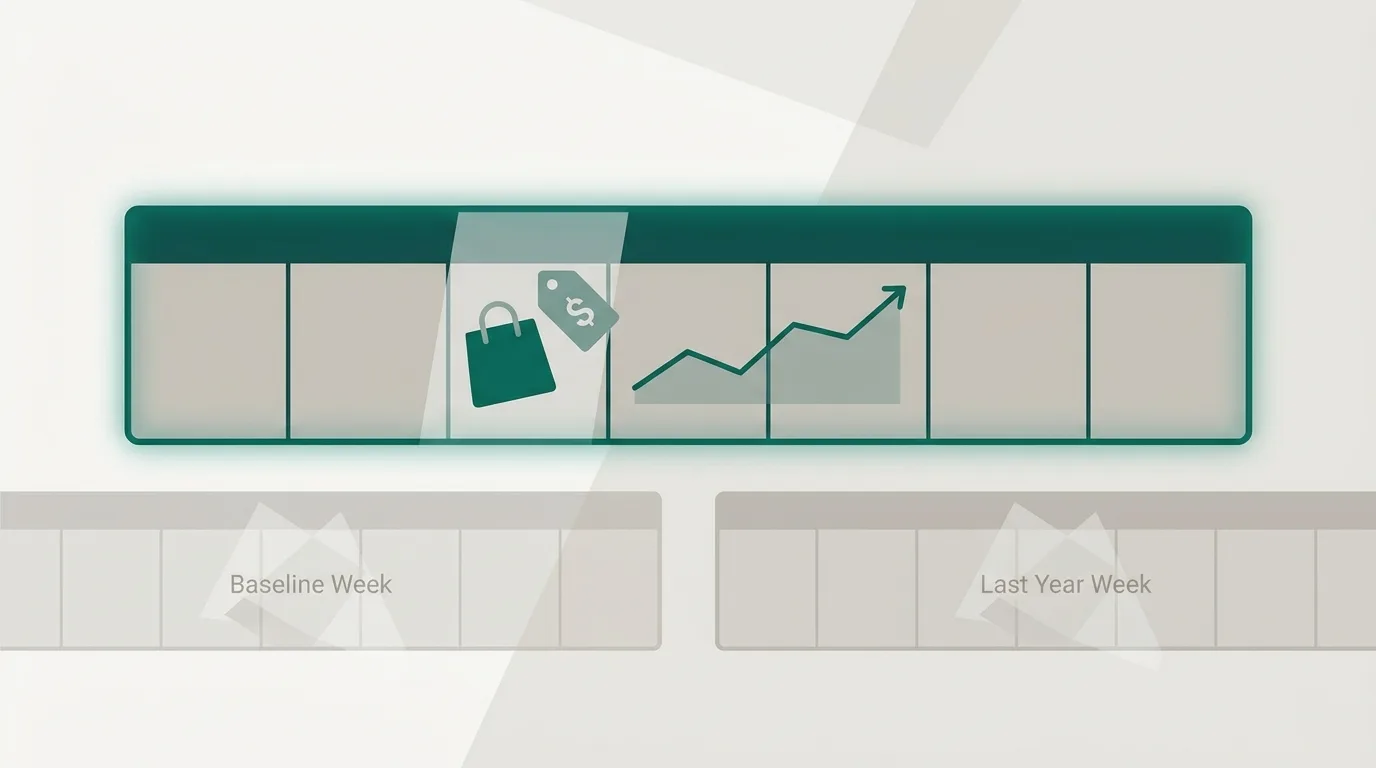
Google's core updates documentation, as reported by Search Engine Journal, says to wait at least a full week after completion, then compare that week with the week before the rollout began. If the update finishes on 24 November, the comparison week ends around 1 December and takes in Black Friday and Cyber Monday. Dalin de Graff suggests reading the update from 3 December. That is one smaller site's view, but the logic holds. If the rollout overruns, move every date with it.
You cannot fully separate the update from Black Friday demand, paid campaigns, email sends and discounting. You can cut the noise.
Week on week and year on year
Use two comparisons together. Week on week shows what changed against your 3 to 9 November baseline, though seasonality inflates it. Year on year, using the same page types and the equivalent days last year aligned by weekday, shows whether the post-update week looks like a normal Black Friday or an unusual one.
If both show non-branded clicks to a page type falling while impressions for the same queries hold or rise, you probably have a ranking change worth investigating. If both show growth in line with last year, the update probably passed you by.
Before you blame the update, rule out tracking faults, seasonality, migration errors, manual actions and security issues. Searchmaxxed makes a fair point: a drop that lines up with an update date proves the timing, not the cause.
Keep a change log
Everything that ships between now and early December goes in a log: content edits, price rules, banners, campaign launches. Without one, you will spend December guessing. A shared sheet is enough:
date | time | area | change | owner | approved by2026-11-18 | 09:30 | content | Updated BF banner copy, homepage | SJ | MK2026-11-26 | 18:00 | marketing | Email: early access BF offer | RT | MKWhat counts as a genuine emergency
Craftshift's test is the one we use: money not moving, or data being lost. Add the faults that genuinely break search visibility and the list is short:
- Checkout failures or a seriously slow checkout
- Pages dropping out of the index, or indexing errors appearing in Search Console
- Broken templates rendering empty or malformed pages
- Canonical or redirect faults sending Google or customers to the wrong place
- A manual action or security issue flagged in Search Console
- A Core Web Vitals regression. Dyode gives the thresholds as LCP within 2.5 seconds, INP of 200ms or less and CLS of 0.1 or less, measured at the 75th percentile of real visits
Fix these through your tested freeze route, with sign-off. If performance is the worry, our guide to Core Web Vitals for Shopify stores explains how to diagnose a regression without guessing.
A ranking slip is not on this list. Search Engine Journal and other summaries of Google's guidance describe a page moving from position 2 to 4 as a small drop that needs no drastic action. A fall from 4 to 29 calls for a deeper look, but in December, not in Black Friday week. Google also says a page that drops is not necessarily a bad page. Other pages may simply fit the query better now.
Protecting revenue while rankings move
You cannot control the update. You can control how much of your Black Friday revenue depends on it.
Your email list, branded search, direct traffic and paid channels don't move with core updates. Build your peak promotions around them and treat organic search as a bonus this year, not the base of the plan. Paid search is the obvious hedge for any category that loses ground. The trade-off is that peak-week auction competition makes it a costly one, so point it at the categories that carry the most revenue and that your baseline shows are exposed, rather than spreading it thin.
Once the data is readable in December, steady work pays off. We deliver weekly and log every change, so a recovery plan becomes a run of small, attributable improvements rather than one big rewrite you can't measure. Ignore anyone promising recovery percentages or timelines. Google doesn't publish them, and the vendor claims in circulation have no evidence behind them.
If you want a second pair of eyes on your baseline, or a view of which page types are most exposed before the data turns noisy, you can get a free website audit from our team. We reply within four hours during UK business hours.