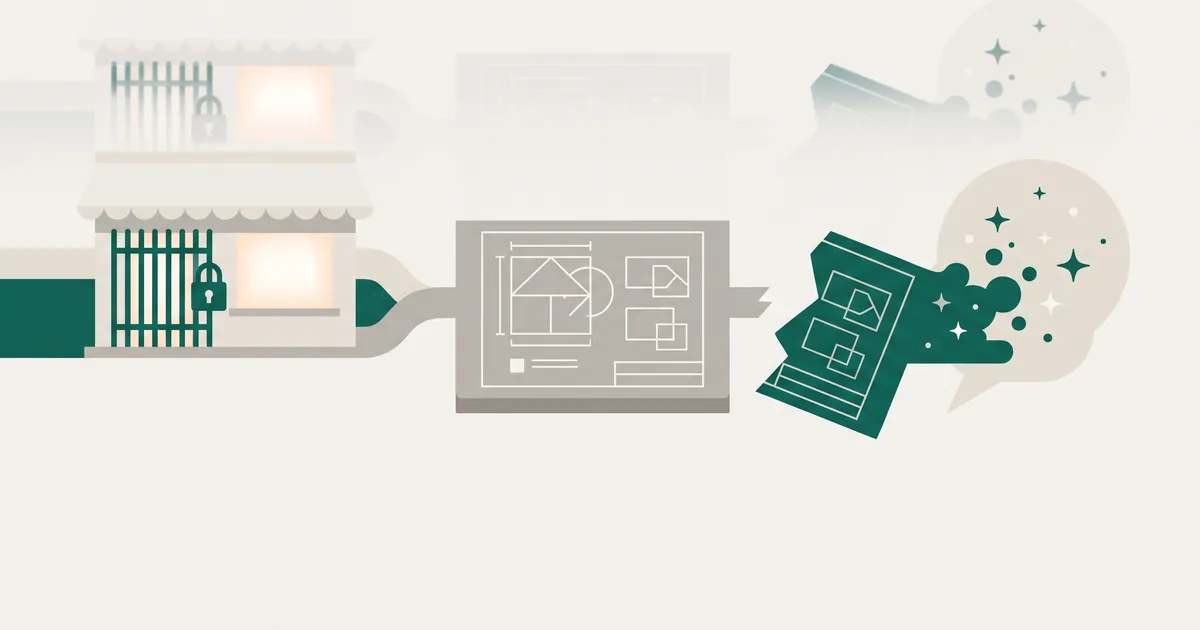
Shopify Canvas is a good AI design surface for new stores and simple stacks on Shopify-built themes. On 16 November 2026 it is also early access, desktop only, and unable to handle app blocks, paid Theme Store themes, market-specific customisation or theme updates. If your store leans on any of those, leave the live theme alone and use Canvas as a sandbox on a copy.
What follows is where that line falls, what you lose when a theme moves into Canvas, and how to explore it without risking peak trading.
What Shopify Canvas is, and where it stands on 16 November 2026
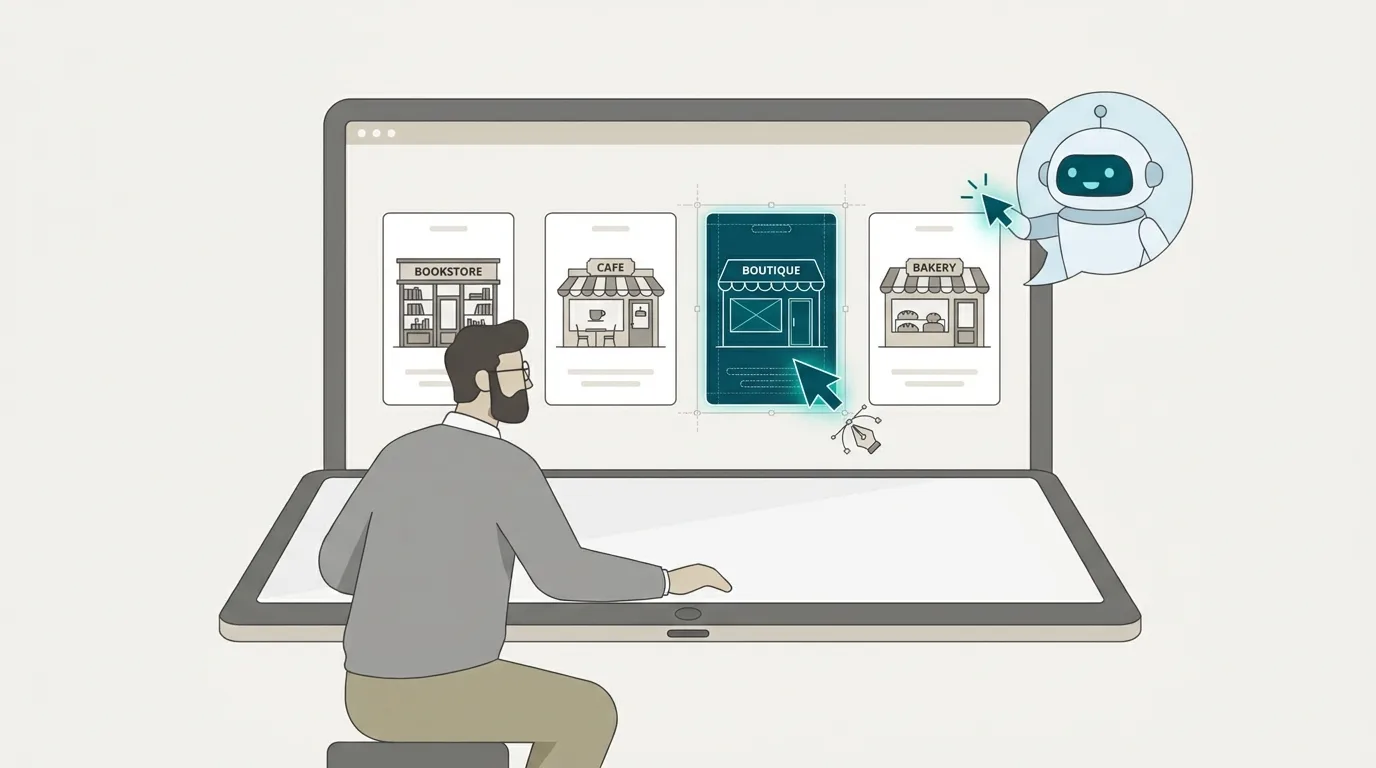
Shopify launched Canvas on 1 October 2026. TechCrunch described it as a way to build online stores by chatting with AI: you talk to Sidekick, Shopify's AI agent, and watch the store change in real time. The Fall '26 Edition followed on 28 October, rebuilding Sidekick so it can write code and apply multi-step changes, with Canvas listed as part of that release.
Until now, the no-code route on Shopify meant picking a theme and rearranging its sections and blocks. Anything deeper needed code or a developer. Canvas is Shopify's attempt to move that boundary.
How Canvas and Sidekick work
You open Canvas from the Themes page in the admin and choose one of two paths. Create a new theme, and Sidekick starts a conversation about your brand and produces an unpublished theme. Or duplicate a supported theme and work on the copy.
Inside Canvas, every template sits side by side on a pan-and-zoom workspace. According to Unite.AI's write-up, it renders real code rather than a static mockup. You can preview interactions and animation, check different products and collections, and switch screen sizes. You can also click an element and edit it directly instead of describing it in chat.
Shopify says Sidekick validates its code changes and screenshots the result before handing them back. It has also simplified its theme architecture so the agent can read and edit store structure more cleanly. Shopify reports that Sidekick made over 25 million theme edits in the first half of 2026, so this is not a feature built from nothing.
Claims that you can build a fully customised store in minutes, or that you no longer need a developer, come from Shopify itself or from agencies and app vendors with a stake in the story. Judge Canvas by what it does on your store, not by the demo.
Early access, desktop only, no general-availability date
Shopify said Canvas would roll out "over the coming days" after launch. It is still early access, limited to certain stores and desktop only. If it is missing from your admin, nothing is wrong with your account.
As of 4 November 2026, Shopify had announced no general-availability date and no date for third-party theme support. Check the Shopify changelog before you plan around either.
To use it at all, you need:
- a desktop browser
- a plan that includes theme customisation
- a Shopify-built theme or a custom theme
- the Online store > Themes > Edit code staff permission
If you later move to a plan without theme customisation, you can still view a Canvas theme but not edit or publish it.
Shopify's own positioning matters. It says Canvas is early and will not replace the existing editor for now. It has also told theme developers it is working towards third-party compatibility before Canvas starts to become the default editor. Read that plainly: Canvas is where Shopify is heading.
What Canvas cannot do yet
The visual output is not the problem. The limits sit around the theme: apps, international selling and long-term maintenance.
Third-party themes and app blocks
Canvas works only with themes developed by Shopify (Horizon, Dawn and the like) and with custom themes. Paid Theme Store themes from independent developers are excluded. If you run one, moving to Horizon is currently the only way in, and that is a re-platform of your design, not a quick experiment.
App blocks and app embeds are the bigger issue. You cannot add or configure them in Canvas, and Shopify has said in a developer community post that theme app extensions are not yet supported. That is where reviews, subscriptions, size guides, loyalty, upsells and bundles usually live. On most established stores, that is a large share of the storefront.
You will see second-hand reports that app support is coming "within weeks". We would not plan around that. As of 4 November it was still unsupported, with no confirmed date.
Markets, translations and rollouts
Canvas has no market-specific theme customisation, and you cannot edit a theme from within a rollout. Theme content is translated in the Translate & Adapt app, not in Canvas, so translation stays a separate workflow.
If you sell across several Markets with tailored content per region, or you stage changes through rollouts, Canvas does not cover how you work today.
Updates, downloads and undo
Three details change how you should treat a Canvas theme:
- No theme updates. A theme edited in Canvas stops receiving theme updates. One source frames the consequence as security, checkout and speed fixes becoming your responsibility. That is their inference, not Shopify's wording, but it is the right question to ask.
- No downloads. You cannot download the theme's files. Shopify's theme version history still exists, but you cannot export the files for your own records.
- Undo resets. A Sidekick change clears the undo history. To reverse agent work, you ask Sidekick to change it back or restore an earlier version from version history.
Askphill's hands-on review adds that a layers panel, drag and drop and complete block settings are still missing. It also calls dynamic sources an open question for enterprise brands.
The one-way fork: Canvas theme vs custom theme
When you duplicate a theme into Canvas, the original stays in the standard editor and the copy is edited only in Canvas. Changes do not sync between the two. Canvas is a fork, and a one-way one.
Duplicating is safe. Publishing is the decision.
Creating a Canvas copy leaves your live theme untouched, so exploring costs you nothing but time. The moment you publish a Canvas theme, you are running a storefront that does not receive theme updates, cannot be downloaded and cannot be merged back into your original.
What you give up when a theme lives only in Canvas
You lose the update stream from the theme's maker. You lose the ability to hand a set of files to another developer or keep them in your own repository. And you lose any clear audit trail outside Shopify's version history.
Agencies have raised a related worry. Shopifreaks reports concern that Sidekick writes into theme files outside Git and version-control workflows, and that agencies want Shopify's GitHub integration to work with Canvas. One developer predicted a "wave of emails" from merchants whose apps stopped working. That is commentary from an opinionated outlet, not confirmed behaviour. It does point at a real gap between how Canvas works and how professional teams ship.
What a custom theme gives you: Git, review, files you own
A well-built custom theme lives in a repository. Every change is a commit someone reviewed. Deploys are repeatable, rollbacks are a known procedure, and if you change agency the files go with you. Our clients own their code for exactly that reason.
It is the same trade-off we cover in page builders vs custom themes: the real long-term cost. Visual tools are fast on day one. Owned, versioned code holds up on day five hundred.
One caveat. Shopify's "custom themes" means themes not from the Theme Store, which presumably includes agency-built ones. We have not seen Shopify spell out how a hand-built, Git-connected theme with heavy app-block use behaves once duplicated into Canvas. Test it on a copy before you assume anything.
Who should use Canvas now, and who should wait
Good fit
- A new store, or one with a simple stack, on a Shopify-built theme such as Horizon or Dawn.
- A merchant exploring a redesign on a duplicate, trying layouts quickly before committing to anything.
- A team prototyping landing pages or seasonal looks without a development cycle, and happy to throw the result away.
Poor fit
- Stores on a paid Theme Store theme.
- Stores that rely on app blocks or app embeds for reviews, subscriptions, bundles or loyalty.
- Stores selling across several Markets or languages with tailored content.
- Teams that depend on rollouts, Git workflows or code review before anything goes live.
If you sit in the second group, Canvas is something to watch, not something to publish.
Get plain-English guides like this in your inbox.
One short email a month. WordPress, Shopify, SEO, no fluff. Unsubscribe in one click.
We never share your email.
Black Friday: explore on a copy, keep live campaigns stable
Black Friday is less than a fortnight away. It is the worst possible window to move your live storefront onto a tool with no app-block support and a reset undo history. One recap of the Fall '26 Edition gives the same advice: test Canvas after Black Friday.
If you are curious, duplicate a supported theme and play. Keep every live campaign on your existing theme in the standard editor, or on a tested custom theme. For everything else your store needs before the peak, work through our Shopify Black Friday technical checklist.
A pre-flight checklist before you touch Canvas
- Access. Confirm Canvas appears in your admin and that you are on desktop.
- Theme source. Is your live theme Shopify-built, custom or a paid Theme Store theme? If it is the last, stop here.
- App blocks. List every app block and embed on your key templates. Each one is something Canvas cannot configure.
- Markets and languages. Note any market-specific content and confirm translations stay in Translate & Adapt.
- Permissions. Check the right staff have the Edit code permission, and only them.
- Rollback plan. Know how to restore a version from theme version history. Do not rely on undo after a Sidekick change.
- Publishing rule. Agree internally that nothing built in Canvas goes live until after the peak.
Where custom theme work goes from here
Shopify has told theme developers they keep a significant role, with themes acting as starting points for merchants' own designs. We think that is right, and it sharpens what custom work is for.
Canvas will absorb the cheap, repetitive layout changes that used to need a ticket: moving a section, restyling a banner, trying a new homepage arrangement. Good. That frees engineering time for the parts no chat window handles well: app integrations, data modelling with metaobjects, performance, third-party systems and anything that has to survive Shopify's own platform changes. Most of our Shopify and e-commerce development work already sits there.
Platform changes keep coming. The Fall '26 recap also previews a new Liquid approach with blocks, typed contracts, partial updates and built-in Tailwind, though that comes from a single source, so treat it as unconfirmed. More concretely, Shopify has blocked new script tags, and stores still carrying older integrations need a migration plan whatever happens with Canvas.
The hybrid route: clean custom theme, Canvas for non-critical experiments
For most growing stores, the sensible setup over the next year looks like this:
- Your production theme is a clean, custom, Git-managed build. It holds your app integrations, Markets logic and anything revenue-critical.
- Canvas runs on duplicates for exploration: new page concepts, seasonal looks, quick tests of layout ideas.
- Ideas that prove themselves in Canvas get rebuilt properly in the production theme, reviewed and deployed through your normal workflow.
You get the speed of AI-driven design without handing your live storefront to a tool that cannot yet see your apps.
Use Canvas to decide what to build. Use your custom theme to build it.
Revisit the decision when Shopify ships app-block support, third-party theme compatibility and a general-availability date. Until then, the fork is one-way and the gaps are real.
Not sure which side of the line your store falls on? Get a free website audit and we will map your theme, apps and Markets setup against what Canvas can handle today. We reply within 4 hours during UK business hours.