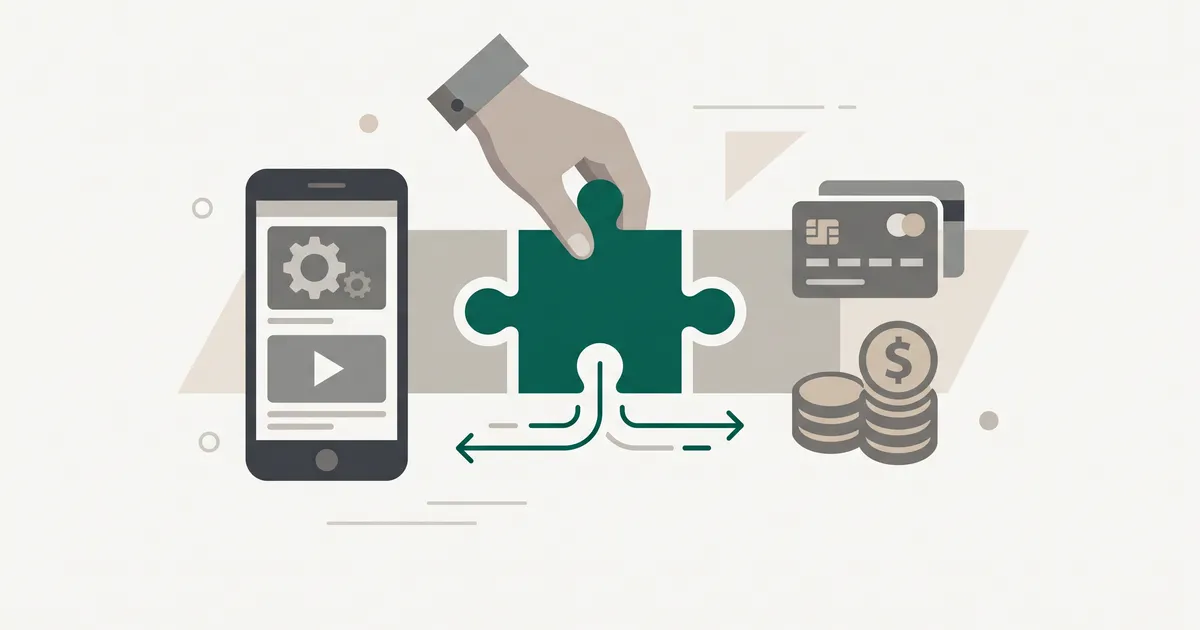
What RevenueCat actually does (and what it does not)
RevenueCat is middleware between your app and the store billing APIs. Users still see Apple's or Google's payment sheet, the store still processes the card, and the store still pays you on its normal schedule minus its 15 to 30% commission. RevenueCat sits to the side of the money flow.
What it actually does: receives the purchase event from Apple or Google, validates the receipt server-side, keeps a canonical record of who is subscribed to what, and exposes that state to your app via a small SDK called Purchases.
Founders often assume RevenueCat is a payment processor. It is not. If Apple's payout is slow, RevenueCat cannot speed it up. If a user disputes a charge, they do it through Apple. What RevenueCat replaces is the receipt validation server you would otherwise build, the subscriber-state database you would otherwise maintain, and the analytics dashboards you would otherwise wire up. That is a substantial amount of code you do not have to write, own or debug at 2am when Apple ships an edge case.
You also get paywall templates with A/B testing, webhooks for real-time events, and a support console where your team can view a customer's purchase history and grant promotional access with a click. None of that is glamorous. All of it is work you would otherwise do yourself.
The setup sequence: store configuration before SDK

The most common integration mistake is opening Xcode first. Do the store configuration before you touch any SDK. If the store side is wrong, no amount of clean Swift or Kotlin will make purchases work in production.
Phase 1: App Store Connect and the gotchas
On Apple, the sequence is: enable the In-App Purchase capability in the Apple Developer Portal under Certificates, IDs & Profiles (it is weirdly buried in the UI), then in App Store Connect create a subscription group before you create any subscription products, then add your products to that group. Subscription products cannot exist outside a group, and the group is what governs upgrade and downgrade behaviour between tiers.
Two blockers catch teams late. First, the Account Holder (not just an admin) must accept the Paid Apps Agreement and complete the banking and tax forms in App Store Connect. Until that is done, purchases will fail in ways that look like SDK bugs but are not. Second, the bundle identifier in your Xcode project must match the App Store Connect record exactly. A staging bundle ID with a -dev suffix will silently break the flow.
Google Play Console has its own quirks (a merchant account, a signed release track, licence testers), but the pattern is the same: get the store side clean before you touch code. If you are still working through the submission mechanics, our notes on shipping to the App Store and Google Play go deeper on the review side.
Phase 2: SDK installation and the two-API-key rule
RevenueCat's Purchases SDK covers iOS and Apple platforms, Android, React Native, Expo, Flutter, Kotlin Multiplatform, Cordova, Capacitor, Unity, Web and Roku. On iOS, Swift Package Manager is the recommended install path. On Android, Gradle. On React Native and Flutter, the package manager for the framework.
One SDK, two API keys
On hybrid SDKs (React Native, Flutter, Capacitor, Cordova, Expo) you initialise the SDK with a separate API key per platform. One for iOS, one for Android. Passing the wrong key on the wrong platform is a silent failure mode: the SDK will initialise, fetch nothing useful, and you will chase phantom bugs. Wrap it in a Platform.OS check and be done with it.
Once configured, the SDK works out of the box against RevenueCat's Test Store with no App Store Connect or Play Console setup, which lets you iterate on the purchase UI on day one. Minimum SDK versions for the Test Store: iOS 5.43.0, Android 9.9.0, Flutter 9.8.0, React Native 9.5.4, Capacitor 11.2.6, Cordova 7.2.0, Unity 8.3.0, KMP 2.2.2, Web 1.15.0. Upgrade before you rely on it.
The actual purchase call, once you have an Offering, is a single line:
let result = try await Purchases.shared.purchase(package: package)That method routes to Apple, Google or Amazon depending on the runtime, validates the receipt, updates the subscriber record, and returns the customer info with the new entitlement attached. What used to be a week of integration is one function.
Entitlements and Offerings: the mental model that matters
Get this wrong and you will refactor later. Get it right and the rest is mechanical.
An Entitlement is what a user has access to. Something like pro or unlimited_exports. It is defined once, in RevenueCat, and it is what your app checks. Your code should never ask "did the user buy the annual product?" It should ask "does the user have the pro entitlement?" That indirection is the whole point.
An Offering is a set of products you present to the user at a given moment. default might be your standard paywall with monthly and annual tiers. winback might be a discounted annual you show to lapsed users. black_friday might be a limited-time bundle. Products (SKUs configured in the stores) map to entitlements through Offerings.
Why this matters: with entitlements in your code and Offerings in the dashboard, you can change pricing, add new SKUs, run experiments and swap paywalls without shipping an app update. Two different products (a monthly at one tier and a lifetime one-off) can both grant the same pro entitlement. That is why 35% of apps now mixing subscriptions with consumables or lifetime purchases (per RevenueCat's 2026 State of Subscription Apps report) does not require a rewrite. The app code only cares about the entitlement.
Your app should ask "does the user have the pro entitlement?", never "did they buy the annual product?"
Cross-platform entitlement sync and web billing
RevenueCat links purchases across platforms using a shared App User ID. Subscribe on iOS, log in on Android with the same ID, and the entitlement is granted automatically. This is table stakes for any app that also has a tablet or a companion experience.
The newer piece is web. RevenueCat Web Billing, backed by a linked Stripe account, lets you sell subscriptions on the web and grant the same entitlement inside the mobile app. That matters because Stripe's fees are far lower than 15 to 30%, and Apple and Google now permit external purchase flows in specific regions and categories following the various regulatory shifts. If a slice of your subscribers can be routed through web checkout compliantly, the margin improvement is real. This is one of the more concrete reasons to pick RevenueCat in 2026 over rolling your own.
If your app is React Native, or you are choosing a stack, our take on React Native vs native in 2026 covers where the hybrid ceiling actually is. Subscription flows are one of the areas where the hybrid SDK story is genuinely competitive with native.
Get plain-English guides like this in your inbox.
One short email a month. WordPress, Shopify, SEO, no fluff. Unsubscribe in one click.
We never share your email.
RevenueCat vs. native StoreKit 2 and Play Billing Library v8
Both native APIs are mature. Apple's StoreKit 2 is a clean Swift-first rewrite with async/await, signed transactions and a decent testing story. Google's Play Billing Library v8 (latest stable 8.2.1, December 2025) added multiple purchase options for one-time products, non-expiring subscriptions and improved error handling. If you have one platform, one product tier and an engineer who enjoys billing edge cases, going native is a defensible choice.
For most teams it is not the right choice. Here is the honest trade:
- Native: no revenue share, full control, and you own the whole surface. In return: separate implementations per platform, a receipt validation server you must build and run, subscription state management you must design, breaking changes to absorb whenever Apple or Google ships one, and analytics you must instrument. The maintenance cost is real and never goes to zero.
- RevenueCat: one SDK, hosted validation, a dashboard, webhooks, paywall A/B tests, cross-platform sync out of the box. In return: 1% of tracked revenue past the free tier ($2,500 monthly tracked revenue), and a dependency on a third party.
For a founder shipping an MVP, or a team under roughly $100k monthly tracked revenue, RevenueCat is the correct default. The engineering time you save is worth multiples of the fee, and the analytics alone would take weeks to replicate. If you are in "ship fast to validate" mode, our notes on how to scope an MVP that ships in weeks apply directly. Subscription infrastructure is exactly the kind of undifferentiated heavy lifting you should not be writing.
This is the sort of trade-off we work through with clients on every mobile app development engagement, because the wrong choice here compounds fast.
When the 1% fee stops making sense
Tracked revenue is measured before store commissions. So 1% of gross, not 1% of what you actually receive. Model the effective rate against your net revenue before you commit. On a $5m gross app, that is $50k a year, which is starting to look like a headcount decision.
The inflection point in practice is around $100k monthly tracked revenue. Below it, RevenueCat is a bargain. Above it, you should at least be asking the question. And the question is not "should we go native?" (usually still no) but "is there a cheaper managed option that gives us most of what RevenueCat gives us?".
The alternatives worth knowing
The 2026 market has real alternatives, each strong on one axis:
- Adapty: strongest paywall experimentation and remote paywall config.
- Qonversion: best analytics-per-dollar if the dashboard is what you actually use.
- Apphud: strong win-back and churn recovery flows.
- Chargebee and Stripe Billing: cross-platform billing if a large chunk of your revenue is web.
None of them is a full drop-in replacement. Each shifts the trade-off. Migrating is real work: SDK swap, entitlement remapping, historical data import, and a period where you run both in parallel to reconcile subscriber state. Budget for it properly.
The Glassfy cautionary tale
Glassfy announced mid-2024 that it was winding down and shut down on 31 December 2024. Its official migration guides pointed users to RevenueCat, Adapty and Qonversion. The lesson is not "avoid smaller players". It is "understand what a migration off your SDK looks like before you commit". If your subscription vendor disappears with six months' notice, do you have the internal knowledge and the engineering slack to move? For most teams, sticking with the market leader is a defensible answer to that question, even at 1%.
What the data says about subscription app economics in 2026
RevenueCat's 2026 State of Subscription Apps analysed over 115,000 apps and more than $16 billion in revenue across more than a billion transactions. A few numbers worth internalising before you plan:
- The top 5% of newly launched apps make over 400x as much as the bottom 25% after their first year. The bottom 25% make no more than $19. This gap has widened from 200x the prior year. Winner-take-most is getting more pronounced.
- Nearly 30% of annual subscriptions are cancelled in the first month. Your onboarding, first-week engagement and cancellation flow matter enormously.
- 35% of apps now mix subscriptions with consumables or lifetime purchases, led by Gaming (61.7%) and Social & Lifestyle (39.4%). Pure subscription-only is no longer the obvious model.
- AI apps see revenue per install above $0.63 after 60 days, matching Health and Fitness and double the overall median of $0.31.
The practical read: pick your monetisation model with churn in mind, design the paywall to be swappable (which RevenueCat's Offerings model gives you for free), and instrument first-month retention as your primary metric, not MRR.
If you want a sense of how we approach this in production, see what we have built across mobile and subscription work. The pattern we come back to: get the store side clean, keep the entitlement model tight, and stop paying for infrastructure only once the maths clearly says to.